KiddyKode Live

The next cohort starts soon. Your child's seat is waiting.

KiddyKode Live is our flagship cohort-based experience. Learners build projects with expert facilitators, practice at home, and present their work on demo day.

Format Live on ZoomAges 8–17Duration 2 MonthsStart Date 6th June 2026
01 / Cohort Details

Everything you need to know.

Registration Open

Explorer Live Session — June 2026

Join a guided cohort of learners. Over the course of the program, your child will move from understanding basic logic to presenting a fully functional project.

Register Now
ScheduleEvery week · 5:30 PM (Cameroon Time)Every week · 9:00 PM (Cameroon Time for Participants Abroad)
Start Date6th June 2026
Target Age Group8–17 Years
LevelExplorer (Beginner)
Format100% Online · Live on Zoom
Program Fee50,000 FRS (Cameroon)65,000 FRS (Abroad)
Early Bird10% off before 3rd June 2026
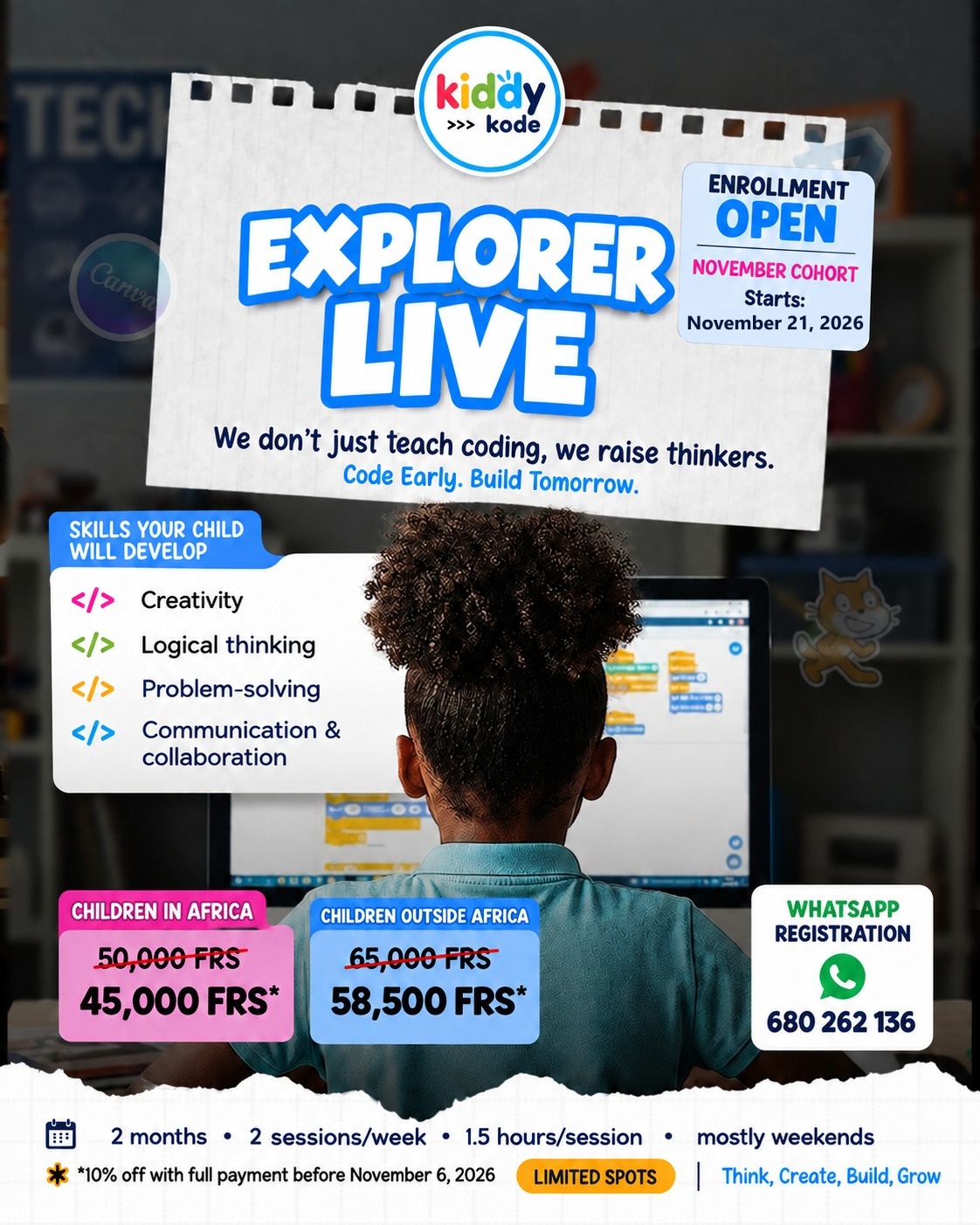
Explorer Live Session Flyer — June 2026
Help us spread the word

Share this cohort with your network.

Know other parents, teachers, or schools who might be interested? Download the event flyer to share on WhatsApp or social media.

Suggested share text:

🚀 KiddyKode is launching a new live coding cohort for kids ages 8-17! Learners will build real projects and present them on Demo Day. Check out the details and register here: https://kiddykode.com/en/programs/next-cohort
03 / The Journey

What your child will learn, week by week.

A structured path from blank screen to working project.

Week 01

Story & Introduction

Logic basics

Meeting the cohort, setting up the tools, and understanding how computers think through simple step-by-step logic challenges.

Week 02

Variables & State

Python fundamentals

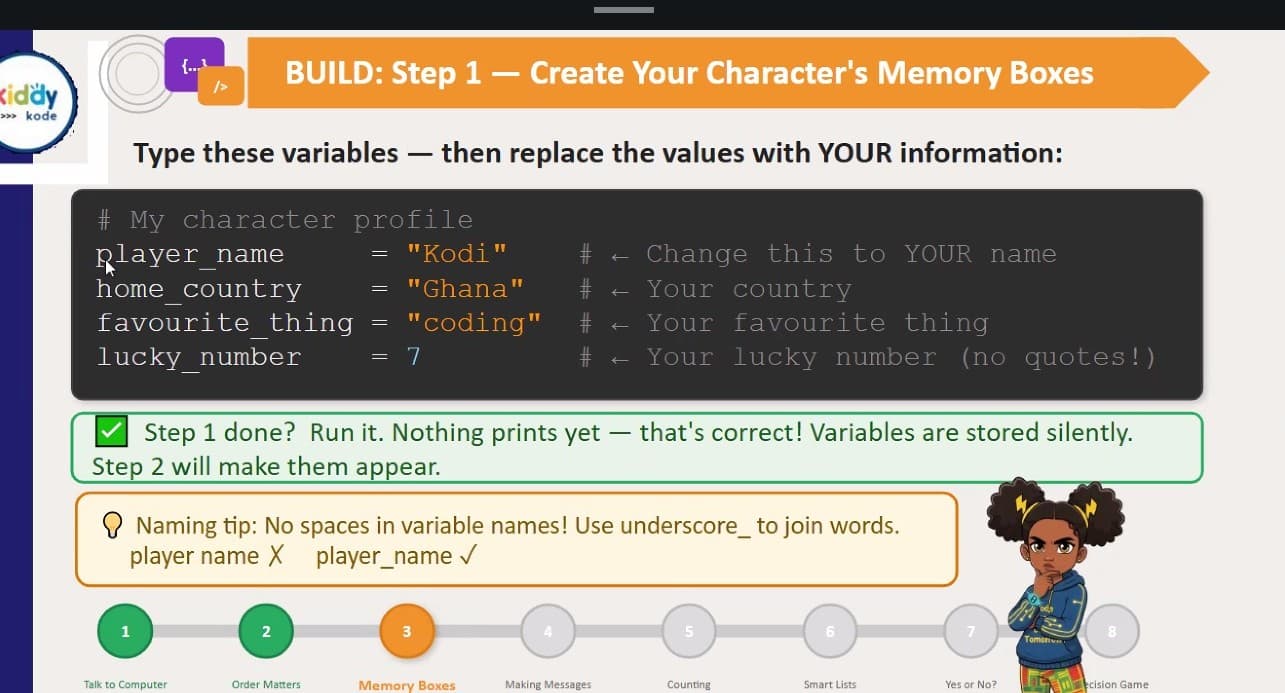
Learning how programs remember information. Learners create their first interactive scripts that ask for and store user input.

Week 03

Conditions & Flow

Decision making

Teaching the computer how to make choices. Building small text-based games that branch based on user decisions.

Week 04

Loops & Repetition

Efficiency

Automating repetitive tasks. Learners use loops to generate patterns, run game rounds, and process multiple inputs.

Week 05

Functions & Organization

Structure

Grouping code into reusable blocks. This week focuses on keeping code clean and preparing for the final project build.

Week 06

Project Build

Synthesis

Learners start building their final project, applying everything they've learned to solve a problem or create a tool.

Week 07

Debugging & Polish

Resilience

Testing the projects, finding bugs, and fixing them. Learners practice resilience and refine their user experience.

Week 08

Demo Day

Presentation

The final session where learners present their projects to the cohort, explain their code, and celebrate their progress.

04 / How It Works

Three steps to becoming a creator.

01 / Register

Secure your spot

Fill out the registration form to join the cohort. You will receive a welcome pack and setup instructions before day one.

02 / Attend

Live weekly sessions

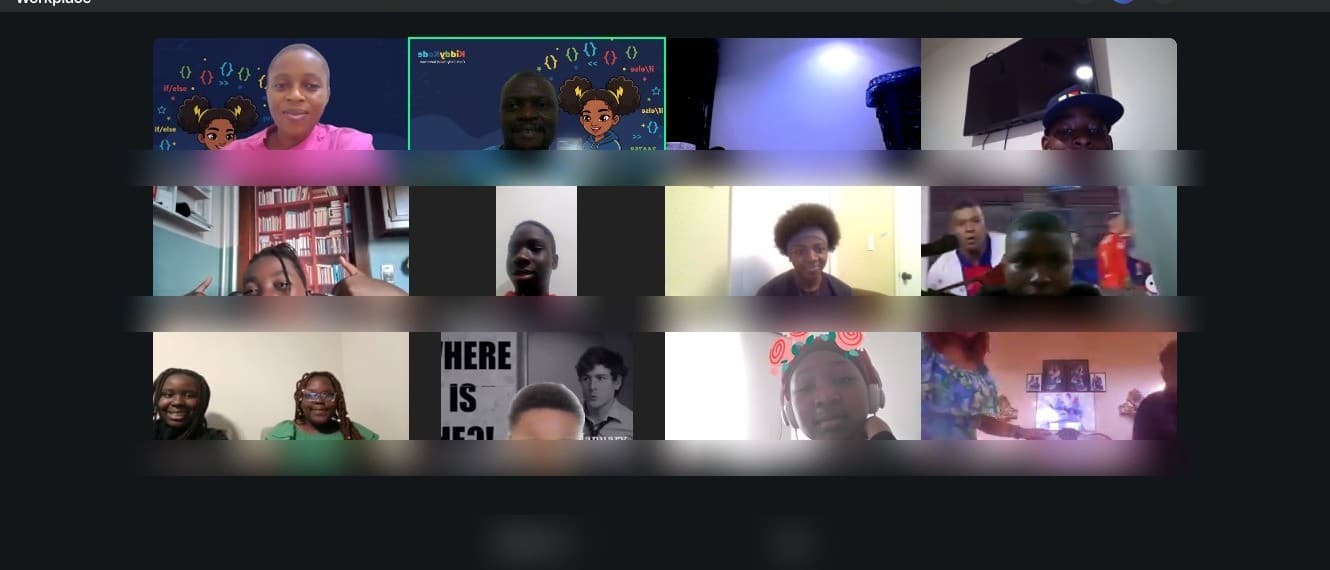
Your child joins the live Zoom sessions, learns with a facilitator, and completes guided practice during the week.

03 / Present

Demo Day

At the end of the cohort, your child presents their finished project. You are invited to watch and celebrate their work.

05 / Evidence

Real results from past cohorts.

Projects completed
24
Functional tools, games, and scripts built by learners.
Learners
20
From the last live cohort.
Average Age
11.5
A mix of primary and early secondary students.
Completion Rate
95%
Learners who successfully presented a final project.
FAQ

Common questions about the cohort.

Does my child need previous coding experience?+

No. Our Explorer level cohorts are designed for complete beginners. We start from the very basics of logical thinking.

What equipment is needed?+

A laptop or desktop computer (Windows, Mac, or Chromebook) with a reliable internet connection. A tablet is not sufficient for typing code.

What happens if we miss a session?+

All live sessions are recorded and shared with parents securely, so your child can catch up before the next week.

What language will they learn?+

We use Python because it is powerful enough for real-world applications but has a readable syntax that is great for beginners.

06 / Register

Secure your child's spot.

Fill in the form below to register for the next cohort. You'll receive a confirmation email with everything you need.

Learner Details
Parent / Guardian
Questions?

Need help deciding? We're here.